For learning & small projects
Free
$0
Full functionality with limited solver runs per time window.
Download ↗Monoceros for Grasshopper
A plug-in for Rhino and Grasshopper. You design a small kit of parts and define how they connect. The solver can return a complete or partial result, or a contradictory attempt. Inspect its status and the arrangement before using the output.
Rhino 7+ · Windows & macOS · Free tier with limited solver runs
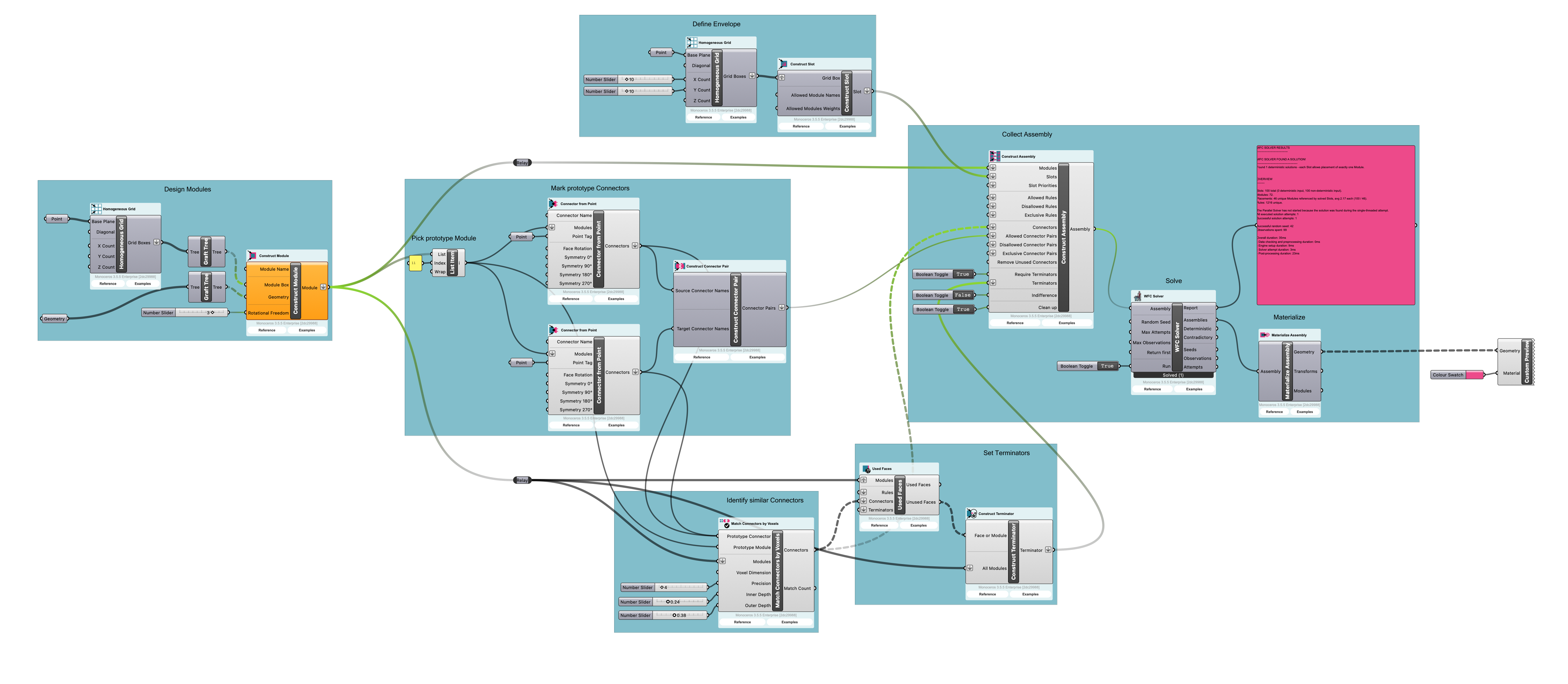
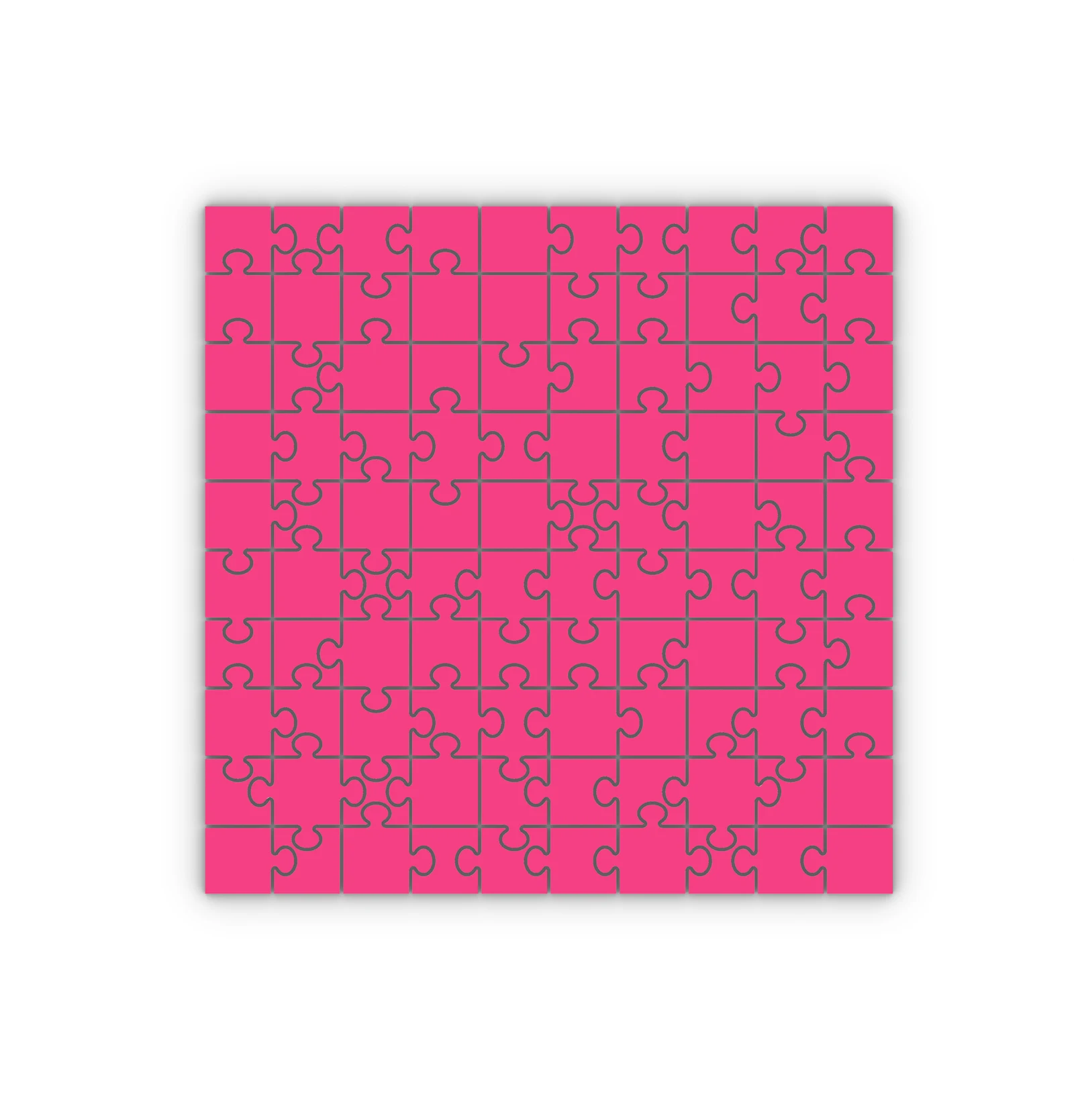
Wave Function Collapse selects parts and propagates their connection constraints across a defined envelope. A completed result follows the encoded rules; a contradictory setup may produce no result.
Model the geometry of each part and define its place in the kit.
Specify which faces can connect and how parts meet the boundary.
Run the solver and check the resulting arrangement against the rules.
Review the arrangement against the design brief and revise the kit where needed.
Monoceros · Licences
For learning & small projects
$0
Full functionality with limited solver runs per time window.
Download ↗For regular professional use
$149 / year / seat
Unlimited solver runs. Education tier: $49 per year per seat, subject to eligibility.
Annual licence ↗One-time purchase
$399 / seat
A licence that does not expire, with unlimited solver runs.
Lifetime licence ↗For teams & organisations
By agreement
Discuss volume licensing and your team’s requirements.
Discuss licences ↗Prices are in United States dollars. Eligibility, taxes, and final terms are shown by the licence seller before purchase. A Rhino licence is required separately.
Tell us about the work you need help with and the software your team uses.